
PDF versus PDF/A: what is the difference?
PDF is a general document format. PDF/A is a family of standards that constrains PDF for long-term reproduction of its static appearance. Use the receiving archive’s requirements to decide what to submit, then check the resulting file against those requirements.
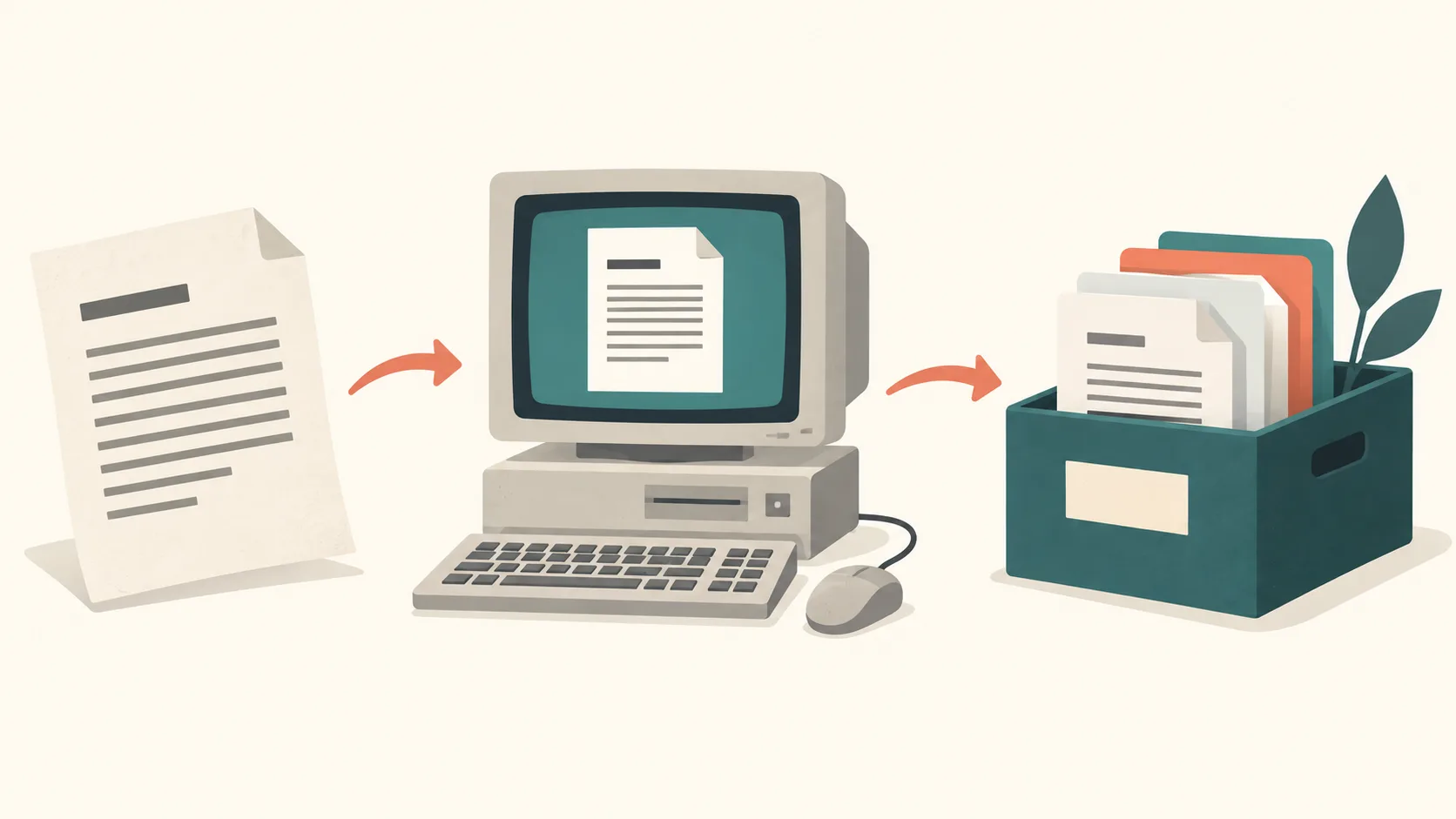
PDF/A narrows the PDF format
A normal PDF can contain features that depend on external resources or interactive behavior. PDF/A restricts the format so that the resources needed to reproduce the document are available inside the file. The PDF Association’s PDF/A FAQ describes requirements covering fonts, images and color information, as well as restrictions on dynamic content.
This serves a specific preservation goal. It does not make every ordinary PDF unsuitable for sharing. For invoices, drafts or everyday reading, the recipient may simply need a working PDF that opens correctly.
Ask for the exact conformance target
“Send a PDF/A” can leave an important question unanswered: which part and conformance level does the organization accept? The PDF Association’s FAQ explains differences between parts of the standard, including supported features and embedded files. Do not assume that all PDF/A profiles are interchangeable.
Ask the archive for its documented target and any extra submission rules before converting. Keep the source and original PDF. Conversion may change unsupported features, so compare the converted copy with the document you intended to preserve.
Searchable text remains a separate question
An image-only scan can look right without containing words that software can search. PDF/A does not automatically run OCR. The PDF Association discusses OCR separately from archival conformance. If searching or copying matters, ask whether the archive also requires recognized text and how it expects that text to be checked.
Read why PDF text may not be selectable before diagnosing a scan. Check names, dates and numbers after OCR. Searchable text alone also does not demonstrate complete accessibility.
Understand what validation proves
A validator checks a defined conformance profile. veraPDF’s validation documentation describes formalized PDF/A requirements and validation profiles. A passing report supports conformance to the tested profile; it does not certify every rule that your receiving institution might impose.
Keep the report with the tested file and record which profile was used. Check appearance and text quality separately. A filename containing “PDF-A”, or a program offering an archival export option, is insufficient evidence on its own. Validate again after changes that may affect conformance.
Plan storage as well as the file format
PDF/A is not a backup system or protection against data corruption, as the PDF Association’s FAQ explains. Retention rules, access controls, integrity checks and multiple stored copies remain parts of the preservation workflow. The appropriate controls depend on the archive and the document’s purpose.
PDFThin compression is not PDF/A conversion or certification. If you need a smaller sharing copy, see why compression gains vary, retain the archival original and check the receiving requirements before replacing it. PDF’s history gives further context.
Archive-copy checklist
- Keep the original PDF and editable source unchanged.
- Ask the recipient for the exact PDF/A part and profile, plus any extra submission rules.
- Export a separate copy with a tool that supports the requested profile.
- Validate the copy against that profile with a suitable validator, such as veraPDF, and save its report.
- Compare page count, order, appearance and important text with the original. Check names, dates and amounts separately from profile validation.
- Keep the tested file, profile details and validation report together, with backup copies. After another conversion or compression, validate and compare again before replacing the archive copy.
PDFThin’s basic file checks do not validate an archival profile or compare every page’s appearance and text. Compression does not convert to or certify PDF/A; a successful compression result cannot replace this checklist.