
A short history of PDF
PDF grew out of a common problem: a document could look right on its creator’s computer and look different on someone else’s. Its history explains why fixed pages, independent viewers and a published specification became useful for everyday document exchange.
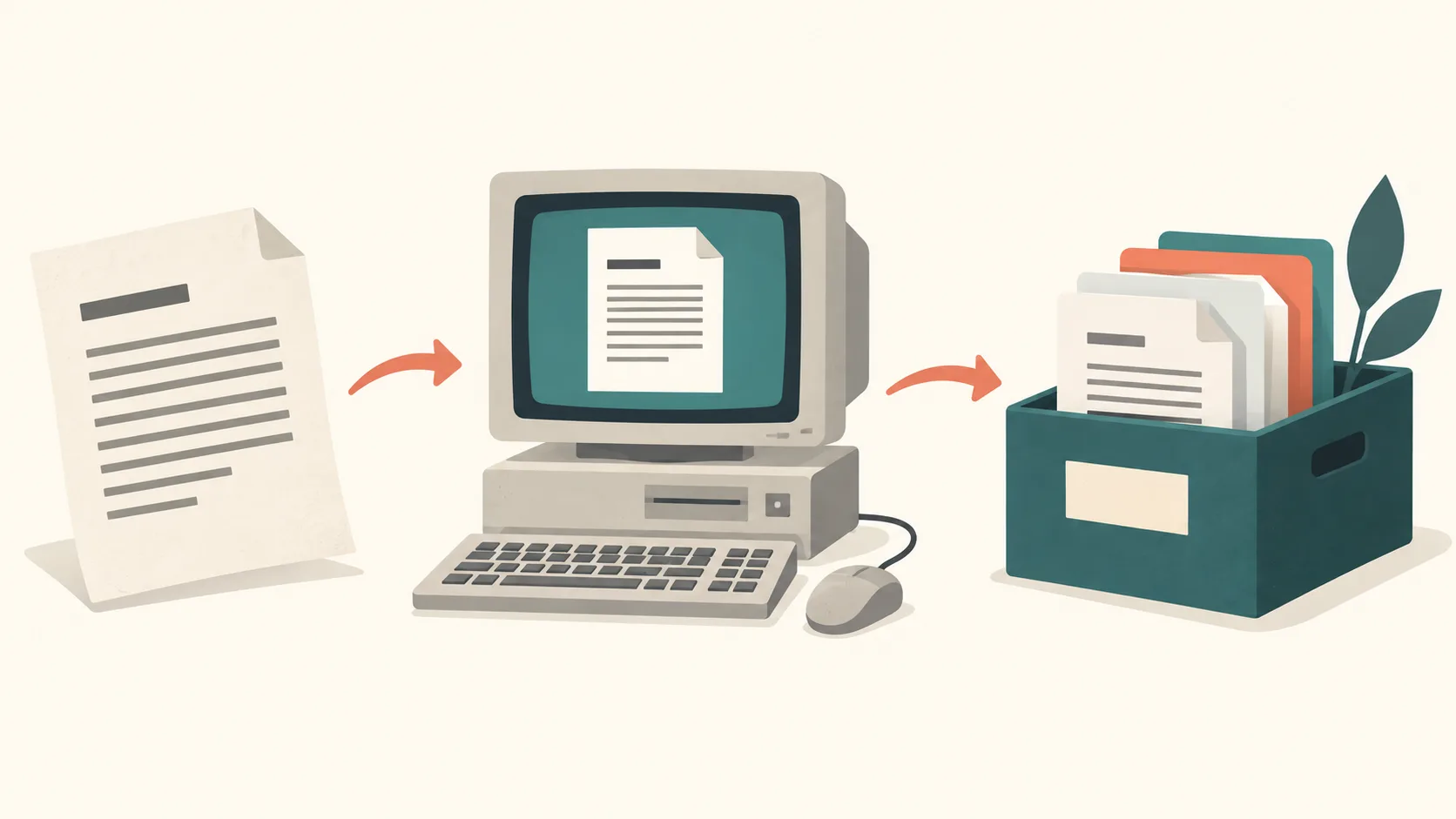
The problem before PDF
An editable file often depended on the program that created it, the installed fonts and the receiving computer. Sending a report was not always enough to send its intended appearance. Printing preserved the pages, but paper was slower to distribute and harder to search or reuse.
In the early 1990s, Adobe cofounder John Warnock described a way to capture documents so people could view and print them across systems. His proposal became known as Camelot. Adobe’s account of Warnock and Camelot describes the idea behind what became PDF.
Acrobat and PDF arrive in 1993
Adobe launched Acrobat and PDF on June 15, 1993. The format described pages, including text, graphics and their positions, while Acrobat supplied tools for creating and reading them. The PDF Association’s historical overview traces the development of the PDF specification.
The practical benefit was that a recipient could read a finished document without having its authoring application. This did not turn the PDF into an equally convenient editing file. Keeping a word processor, spreadsheet or design source remained useful when the content needed another revision.
From a vendor format to an ISO standard
PDF developed through several versions before ISO published ISO 32000-1 in 2008. A published standard gives implementers a common technical reference. Different software companies can build readers, writers and checking tools around the same description rather than relying only on one product.
The first PDF 2.0 standard followed in 2017 as ISO 32000-2. The PDF Association’s introduction to PDF 2.0 explains this version. Standards help software exchange documents, but an older viewer may not support every feature of a newer file.
What that history means today
A familiar extension alone does not guarantee long-term preservation or accessibility. Those needs require appropriate document structure, suitable workflows and checks; related standards such as PDF/A and PDF/UA address more specific requirements. A scan can still be an image without searchable text, whatever version it uses.
The introduction to PDF explains text and scans. For everyday sharing, see the email compression guide, or organize pages before sending. Keep an original, inspect the result and choose a format the recipient can use.
PDF versus PDF/A explains how archival conformance differs from the general document format.